
Windows客户端支持的操作系统:Windows Vista SP2, Windows 7 SP1, Windows 8, Windows 10, Windows Server 2008 SP2, Windows Server 2008 R2 SP1,Windows Server 2012。
软件安装步骤:
1. 下载并安装: Microsoft Visual C++ 2013 Redistributable (6.2MB)
2. 下载并安装: .net Framework 4.5.1 (66.8 MB)
注:Windows10及Windows server 2012或更高版本无需安装。
3. 下载并安装: BugDone Windows客户端(48.7MB)
安装成功后可直接从桌面图标打开:
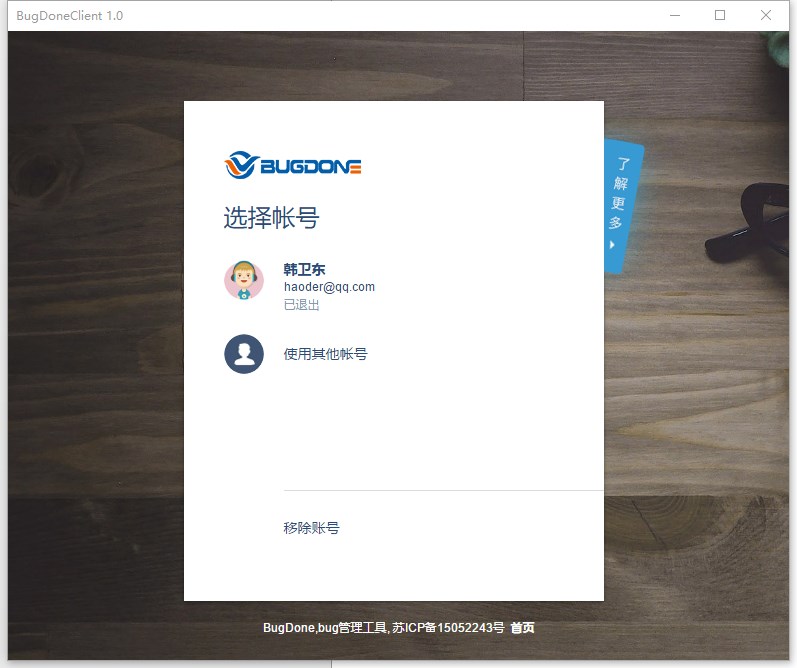
当有新问题指派和状态变化,或有新的BugTalk消息时任务栏会高亮显示
最后祝大家使用愉快,如有使用上的问题或建议可联系官方客服人员。
BugDone(bug管理工具)现已全面免费,欢迎大家继续关注BugDone。
 关注我们
关注我们


